
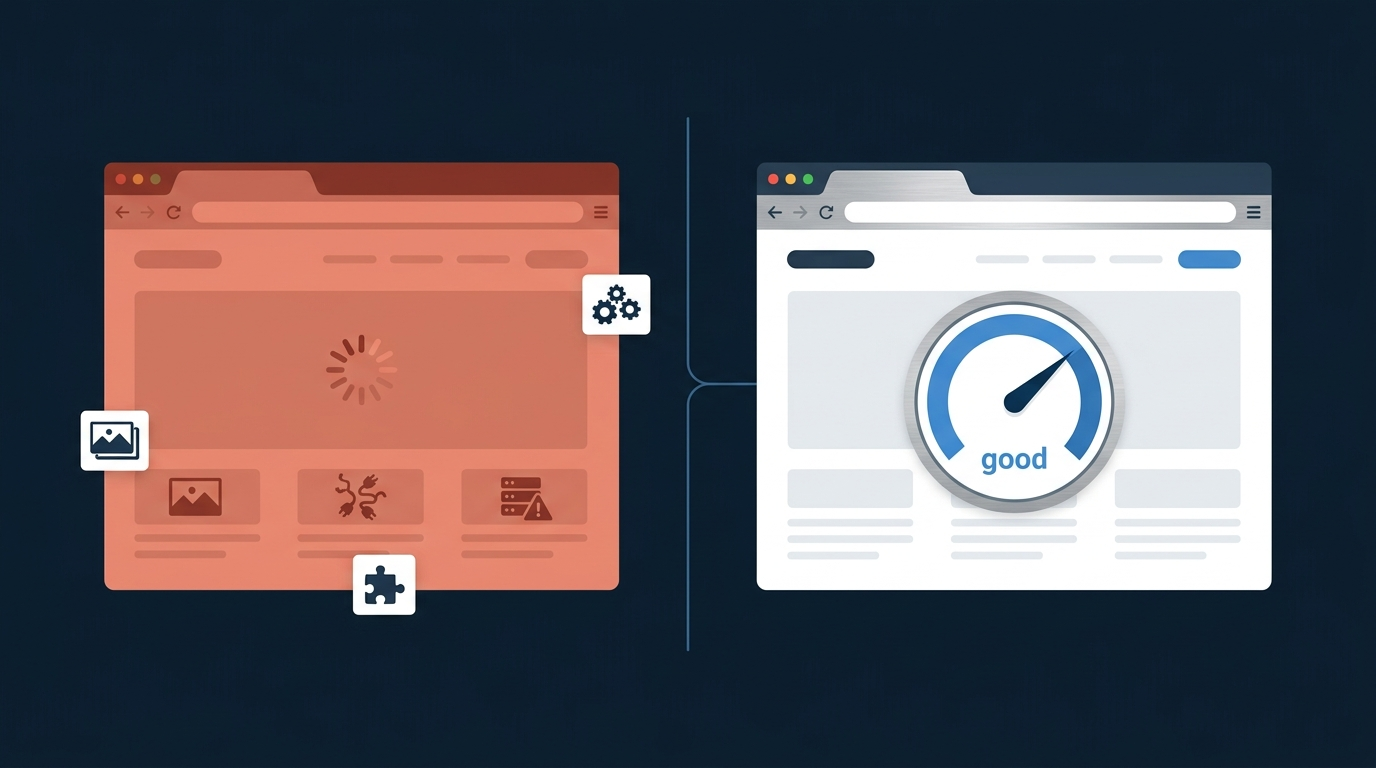
Most business owners find out their website is slow the hard way — a client mentions it, an ad campaign underperforms, or someone finally runs a Google PageSpeed test out of curiosity and gets a number that ruins their morning.
Here's the part that matters more than the score itself: speed isn't a technical vanity metric. It's directly tied to whether people stay on your site, trust your brand, and actually buy from you.
Why a Slow Website Is Costing You More Than You Realize
What "slow" actually means to Google in 2026
Google measures real-world speed using three metrics called Core Web Vitals:
-
LCP (Largest Contentful Paint) — how long it takes your biggest visible element (usually a hero image or headline) to load. Good is under 2.5 seconds.
-
INP (Interaction to Next Paint) — how fast your site responds when someone clicks or taps something. Good is under 200 milliseconds.
-
CLS (Cumulative Layout Shift) — whether your page jumps around while loading. Good is under 0.1.
These aren't the biggest ranking factor — content and relevance still matter more but pages that pass all three consistently show a higher pass rate at position 1 than pages sitting lower on the results page In other words: when two competitors have similar content, speed is often what separates page one from page two.
What "slow" means to your visitors
Rankings aside, speed is a trust signal. A site that loads in 4-5 seconds feels unfinished, even if the design is good. People bounce before they even see your offer. And if you're running paid ads to that site, you're paying for clicks that leave before the page finishes loading.
What's Actually Making Your Website Slow
There's usually not one big problem — it's five small ones stacked on top of each other.
Unoptimized images. This is the single most common cause. A photo straight off a phone or stock site can be 3-8MB. Browsers still have to download the full file even if it's displayed small on screen.
Too many scripts and plugins. Every chat widget, tracking pixel, review plugin, and animation library adds weight. Most sites are running things they installed once and forgot about.
Weak or shared hosting. If your site is on cheap shared hosting, your server response time alone can eat up a big chunk of your load time before a single image even starts downloading.
No caching. Without caching, your server rebuilds the entire page from scratch for every single visitor, every single time.
Render-blocking code. Some scripts and stylesheets have to fully load before the browser can show anything at all — even a fast-loading page can feel slow if those files are badly ordered.
How to Fix It: A Practical Checklist
Compress and resize images. Convert to WebP format and resize images to the actual dimensions they're displayed at — not the 4000px original from a camera.
Use a CDN. A content delivery network stores copies of your site closer to your visitors, so someone in London isn't waiting on a server in another region to respond.
Enable caching. Let returning visitors load a stored version of your page instead of rebuilding it from scratch every time.
Cut unnecessary plugins and scripts. Audit what's actually running on your site. Remove anything you're not using — most sites are carrying dead weight.
Upgrade your hosting. If your server response time is consistently slow, no amount of front-end optimization will fully fix it. This is often the highest-impact, most-skipped fix.
Minify CSS and JavaScript. Stripping unnecessary characters and whitespace from your code files reduces their size and speeds up how fast the browser can process them.
How to Actually Check Your Speed
Don't guess — measure it. Google's PageSpeed Insights and Chrome DevTools are free and give you real numbers, not opinions. Run your homepage and your most important landing pages, on both mobile and desktop, sincemobile traffic makes up the majority of global web traffic and carries more weight in how Google evaluates your site.
Also worth knowing: Google evaluates real-user data on a rolling basis, which means improvements typically take a few weeks to fully show up in Search Console — so don't panic if a fix doesn't move the number overnight.
What You Can Fix Yourself vs. What Needs a Developer
Be honest with yourself about this one.
You can probably handle: compressing a batch of images, removing plugins you don't recognize, and running a free speed test to see where you stand.
You'll likely need a developer for: hosting migrations, fixing render-blocking code, restructuring how your site loads scripts, and diagnosing why a specific page is slow when everything "looks" fine on the surface. This is also where a website built cleanly from the start — rather than patched together with plugins — saves you from having this problem in the first place.
That's the real value of custom website development over a template-and-plugin patchwork.
Curious what that looks like in practice? Here's how we built Azam Travel a faster site from scratch
Final Thought
Speed isn't something you fix once and forget. It's something that quietly gets worse every time you add a new plugin, a new image, or a new tracking script — until one day your site that used to load fast, doesn't anymore. Check it every few months, not just when something breaks.
FAQs
How fast should my website load?
Aim for a Largest Contentful Paint under 2.5 seconds and ideally closer to 2 seconds, based on 2026 Core Web Vitals benchmarks. Anything beyond 3 seconds starts noticeably increasing visitor drop-off.
Does website speed actually affect SEO rankings?
Yes, but as a supporting factor, not the main one. Content quality and relevance still carry the most weight, but when two competing pages are similar in quality, the faster one has a real ranking advantage.
Why is my website slow even though it looks simple?
Often it's not the design — it's what's loading in the background: uncompressed images, too many third-party scripts, or slow server response time from cheap hosting.
Can I improve my website speed without hiring a developer?
Some of it, yes — image compression and removing unused plugins go a long way. But hosting issues and code-level fixes usually need a developer to diagnose properly.
How do I check my website's actual speed? Use Google's free PageSpeed Insights tool. It gives you real Core Web Vitals scores for both mobile and desktop, along with a specific list of what's slowing you down.