
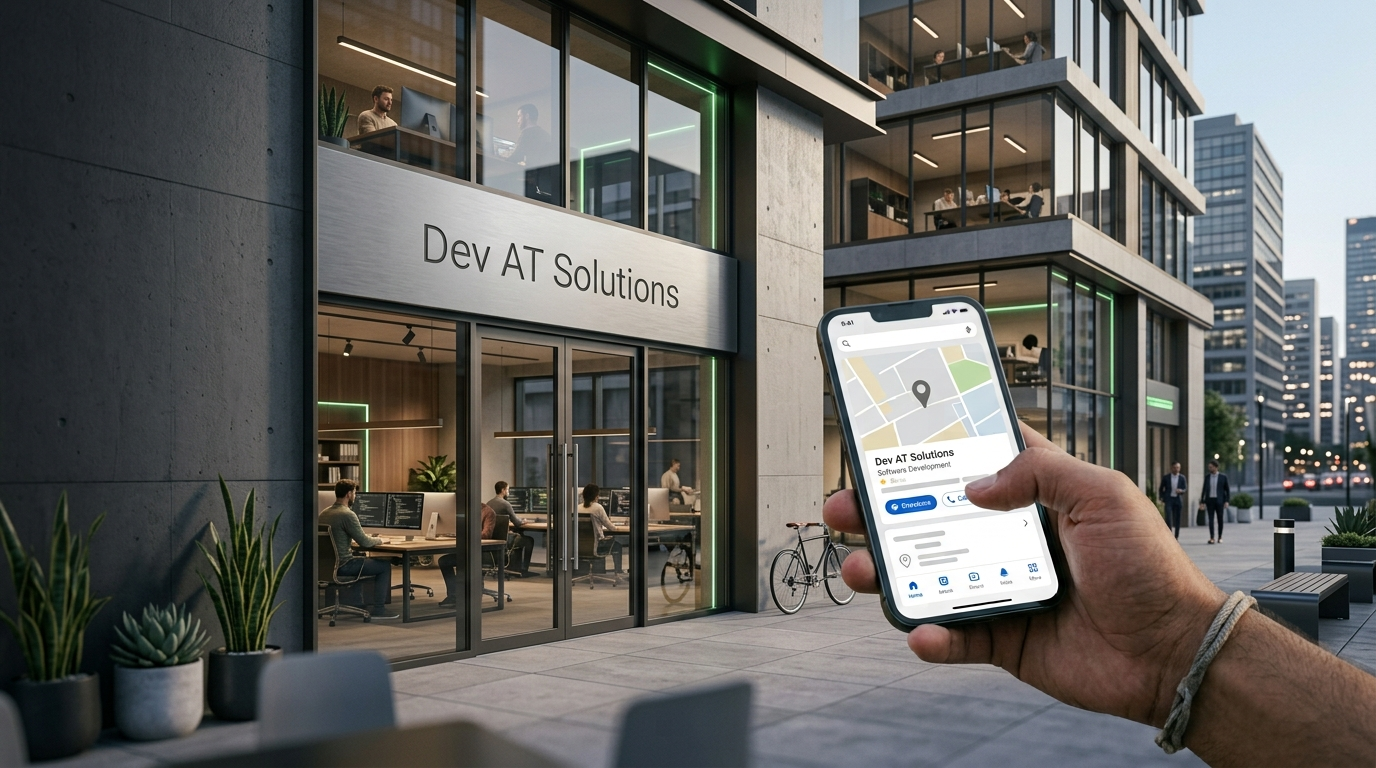
If someone searches for what you do near them right now, does your business show up — or does a competitor with a weaker product but a better profile beat you to it?
That's the whole game with Google Business Profile (GBP). It's free, it's often the first thing people see before your website, and most businesses still set it up once and never touch it again. This guide walks through what actually moves the needle in 2026, not the generic "fill out your profile" advice you've probably already read.
What a Google Business Profile Actually Does for Your Business
Your GBP is what shows up in the local map pack, in Google Maps search, and in the knowledge panel when someone searches your business name directly. It controls your hours, reviews, photos, directions, and often the first impression someone gets before they ever visit your site.
For local businesses, a Business Profile can be an important customer touchpoint because it can appear in Google Search and Maps with information such as location, hours, reviews, photos, and website details.
Step 1 — Claim and Fully Verify Your Profile
Before you can fully manage your Business Profile, you need to claim and verify it. Google may offer different verification methods depending on the business and account. If you haven't verified yours, do it through phone, email, or video verification depending on what Google offers for your business type. Skip this and nothing else in this guide will matter much.
Google says local results are primarily based on relevance, distance, and prominence, so profile optimization is about giving Google accurate information while making the business useful to potential customers. See Google's official guidance on local ranking for more detail.
Step 2 — Fix Your NAP (Name, Address, Phone) Consistency
Keep your business name, address, and phone number accurate and consistent across your Google Business Profile, website, and important business directories. If an old address or phone number remains online, update it so customers and search engines have access to accurate business information.
This is also where your website comes in. If your site's footer still lists an old address or a different phone format than your GBP, that inconsistency works against you. A properly built site makes it easier to keep your business information accurate and consistent. This is one reason your website and local search presence should be managed together as part of a broader website development strategy.
Step 3 — Pick Categories That Match What You Actually Do
Your primary category helps Google understand what your business does and match your profile with relevant searches. Choose the most accurate category available, then add additional categories only when they genuinely describe your business.
Step 4 — Write a Description That Answers Real Questions
Skip the generic "we are a leading provider of..." language. Use the business description to answer what a potential customer actually wants to know: what you do, who you serve, what makes your service different, and where you're located. Naturally include the terms customers would actually type — not keyword-stuffed, just accurate.
Step 5 — Upload Photos and Videos on a Schedule
Add recent, authentic photos that help customers understand your business before they visit or contact you. Depending on your business, this can include your storefront, team, products, completed work, facilities, or services.
-
Real photos of your storefront, team, and work (not stock images)
-
Before/after shots if applicable
-
Short videos of your space or process
Keep your photos current and representative of the business so potential customers can see what they can expect before visiting or contacting you.
Step 6 — Use Google Posts Instead of Ignoring Them
Use Google Posts to share useful updates such as new services, seasonal information, events, offers, or important business announcements. The goal is to give potential customers current information when they view your profile.
Step 7 — Turn Reviews Into a System, Not an Afterthought
Reviews can influence how customers evaluate a business, and Google says review count and review score can contribute to local search prominence.
-
Ask every satisfied customer directly (in person, via text, or email) — don't wait for reviews to happen on their own
-
Respond to every review, good or bad, within a few days
-
Never buy or fake reviews. Google prohibits fake or misleading review activity, including offering incentives in exchange for reviews.
Responding professionally to negative reviews gives the business an opportunity to address concerns and show future customers that feedback is taken seriously.
Step 8 — Fill Out Services, Products, and Q&A
Most businesses leave the Services, Products, and Q&A sections empty. Filling these out gives Google more content to match against searches, and gives customers answers before they even contact you. Pre-populate the Q&A section yourself with the questions you get asked most often.
Mistakes That Quietly Hurt Your Ranking
Keyword-Stuffed Business Names
Adding extra keywords to your business name field ("John's Plumbing - Best Plumber Chicago Emergency 24/7") violates Google's guidelines and puts your listing at risk of suspension. Use your actual legal/trading name only.
Duplicate Listings
Google generally recommends one Business Profile per business location. If duplicate profiles exist, they can create problems with how your business information appears on Google Maps and Search. Check for duplicate listings and follow Google's process for reporting or resolving them.
Ignoring Negative Reviews
An unanswered negative review sitting at the top of your profile for months signals neglect. Even a short, professional reply shows future customers the business is paying attention.
When It's Time to Bring In Help
Optimizing a profile once is manageable on your own. Keeping it consistently optimized — categories updated as services change, posts going out regularly, reviews being requested and responded to, rankings tracked against competitors — is where most business owners run out of time.
That ongoing maintenance is where local SEO becomes useful: keeping your business information accurate, improving local visibility, managing reviews, and monitoring how your business appears in local search.
FAQ's
How long does it take to rank higher after optimizing a Google Business Profile?
There is no fixed timeframe for seeing changes in local search visibility. Results depend on factors such as competition, relevance, location, prominence, and the overall quality of your local presence.
Do I need a website if I already have a Google Business Profile?
Yes. GBP can drive local visibility, but your website gives potential customers more information about your business, services, work, and contact options. A well-structured business website can support the rest of your local search presence.
How many reviews do I need to rank well locally?
There's no fixed number of reviews that guarantees strong local rankings. Focus on earning genuine customer reviews consistently and responding professionally to feedback.
Can I optimize my Google Business Profile myself, or do I need an agency?
You can absolutely start yourself this guide covers what matters most. An agency becomes useful when you don't have time for the ongoing maintenance (posts, review requests, tracking rankings against competitors) that helps you maintain an accurate and useful profile over time.
What's the biggest mistake local businesses make with GBP?
Treat your Business Profile as an ongoing business asset rather than a one-time setup. Keep important information accurate and continue adding useful updates as your business changes.